OpenClaw with Azure AI Foundry

Setting Up OpenClaw with Azure AI Foundry

Introduction OpenClaw is a self-hosted gateway that connects your favorite chat apps — Telegram, WhatsApp, Discord, iMessage, and more — to AI coding agents. It runs locally on your machine, keeping your data under your control while giving you the flexibility to interact with AI assistants from anywhere. In this post, we’ll walk through how to configure OpenClaw to use a model deployed on Azure AI Foundry as its backend. ...
February 22, 2026 · 7 min · Suraj Deshmukh
Deploying Kimi K2.5 on Azure

Deploying Kimi K2.5 on Azure: A Complete Guide to Running MoonshotAI's Model

Kimi K2.5 is MoonshotAI’s latest powerhouse, offering sophisticated reasoning capabilities and a massive context window. Now that it’s integrated into Azure AI Foundry, enterprise users can deploy it with the same security and scalability as the GPT family. Beyond its raw specs, Kimi K2.5 is exciting because it has established itself as one of the premier OSS models for agentic workflows, proving to be a strong performer with frameworks like OpenClaw. In this guide, we’ll bypass the portal and use the Azure CLI to stand up a production-ready Kimi K2.5 instance. ...

February 9, 2026 · 4 min · Suraj Deshmukh
LLM CLI tool using GitHub Copilot Models

Using LLMs to write meaningful commit messages from CLI

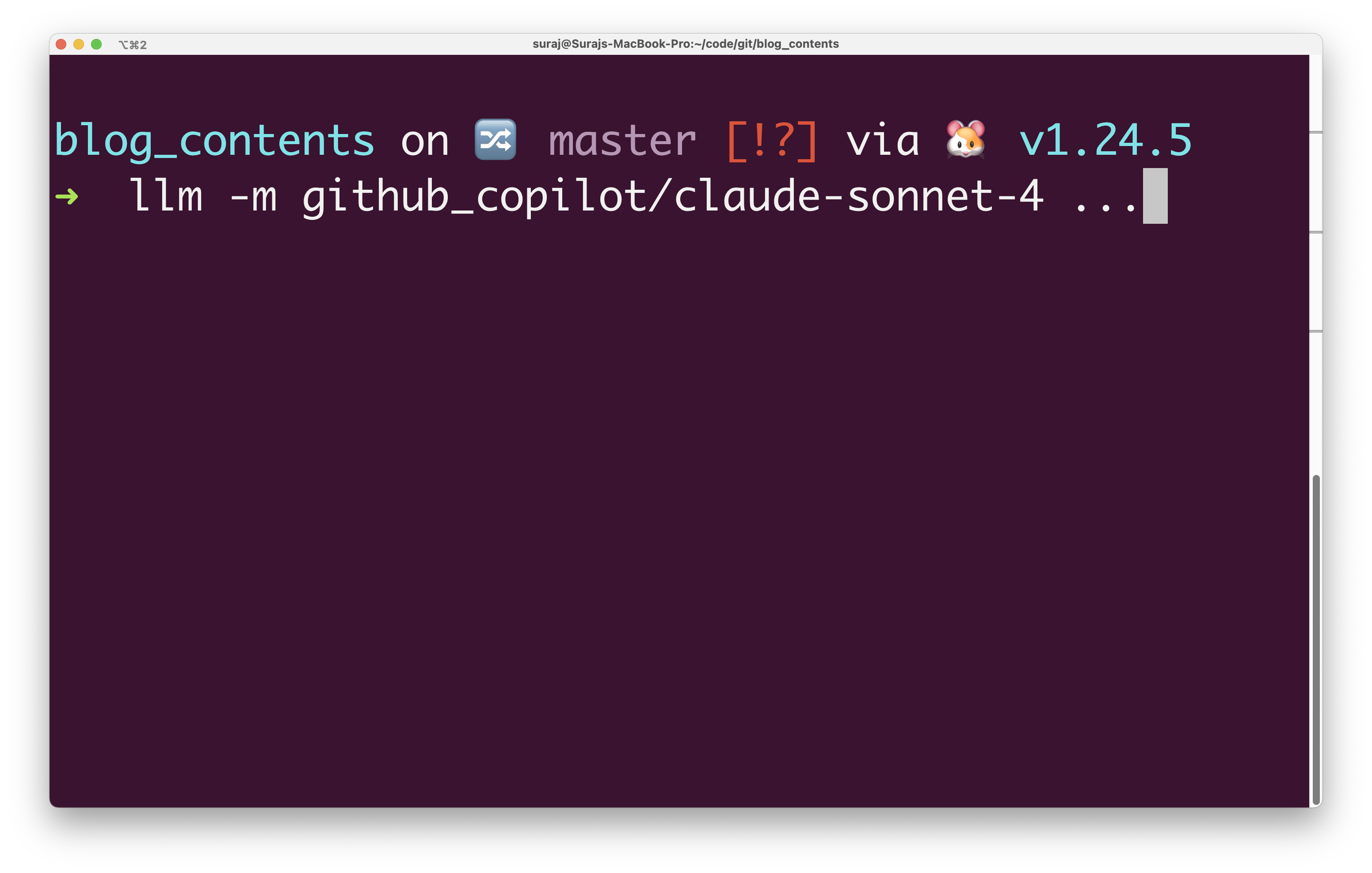
Let’s face it, writing commit messages is tedious work. I’ve been using LLMs to write my commit messages for a while now. But until now, I used to copy the diffs manually and paste it into some chat window and ask the LLM to write a commit message. I’ve been trying various CLI tools viz. OpenAI’s Codex CLI, Google’s Gemini CLI, etc. But codex lacks piping support and Gemini CLI cannot be used with internal codebases! I can use GitHub Copilot extension in VS Code with internal codebases, but I wanted a CLI tool that I can use in my terminal. GitHub Copilot is now free for all GitHub users, so this is useful for everyone. ...

July 17, 2025 · 3 min · Suraj Deshmukh
Grok-3™️ deployment on Azure AI Foundry

Deploying Grok-3 on Azure: A Complete Guide to Running xAI's Latest Model

Grok-3 is xAI’s latest language model that offers advanced reasoning capabilities and conversational AI features. With the release of Grok-3, xAI’s latest and most powerful language model, on Azure AI Foundry every Azure user now has access to the model. In this guide, I’ll walk you through the complete process of deploying Grok-3 on Azure, from setting up the infrastructure to making your first API calls. Prerequisites Before we begin, make sure you have: ...

June 24, 2025 · 3 min · Suraj Deshmukh
TTS on Azure

Deploying OpenAI Text-to-Speech (TTS) Model on Azure: A Step-by-Step Guide

Deploying OpenAI Text-to-Speech (TTS) Model on Azure: A Step-by-Step Guide Azure Cognitive Services provides a straightforward way to deploy OpenAI models, including powerful text-to-speech capabilities. In this guide, I’ll demonstrate how to deploy a text-to-speech model using Azure CLI commands. Prerequisites An Azure subscription Azure CLI installed and logged in (az login) Step 1: Define Environment Variables Set your environment variables to simplify and standardize deployments. export AZURE_RESOURCE_GROUP="example-rg" export AZURE_REGION="eastus" export OPENAI_NAME="example-openai" export AZURE_SUBSCRIPTION_ID="your-subscription-id" # Keep these variables as is. export AUDIO_MODEL="gpt-4o-mini-tts" export AUDIO_MODEL_VERSION="2025-03-20" Explanation: ...

May 31, 2025 · 3 min · Suraj Deshmukh